Getting Started
Installation
The PeriLab package is available through the Julia package system and can be installed as an App using the following commands:
using Pkg
Pkg.Apps.add("PeriLab")Alternatively, you can also download the binaries for Windows or Linux directly from the release page, Julia is already included there.
Using PeriLab
The simplest way to run the PeriLab simulation core is to use the provided PeriLab Application and go.
PeriLab -e
PeriLab examples/DCB/DCBmodel.yaml
The output should look like this:
The main functionalities for the yaml input deck is given in
"examples/functionalities.yaml"Using PeriLab with multiple processors (MPI)
In order to run PeriLab for large scale problems MPI needs to be installed:
$ julia
julia> using MPI
julia> MPI.install_mpiexecjl()
Run PeriLab with two processors:
$ mpiexecjl -n 2 julia -e 'using PeriLab' examples/DCB/DCBmodel.yamlPostprocessing
For post-processing of the Exodus result files ParaView is used. You can open the .e file directly. All output data can be find there. At step 0 all zero. They are filled in the first step. The number of steps are defined in the yaml.
The figure shows an example of a plate and the list of possible options.
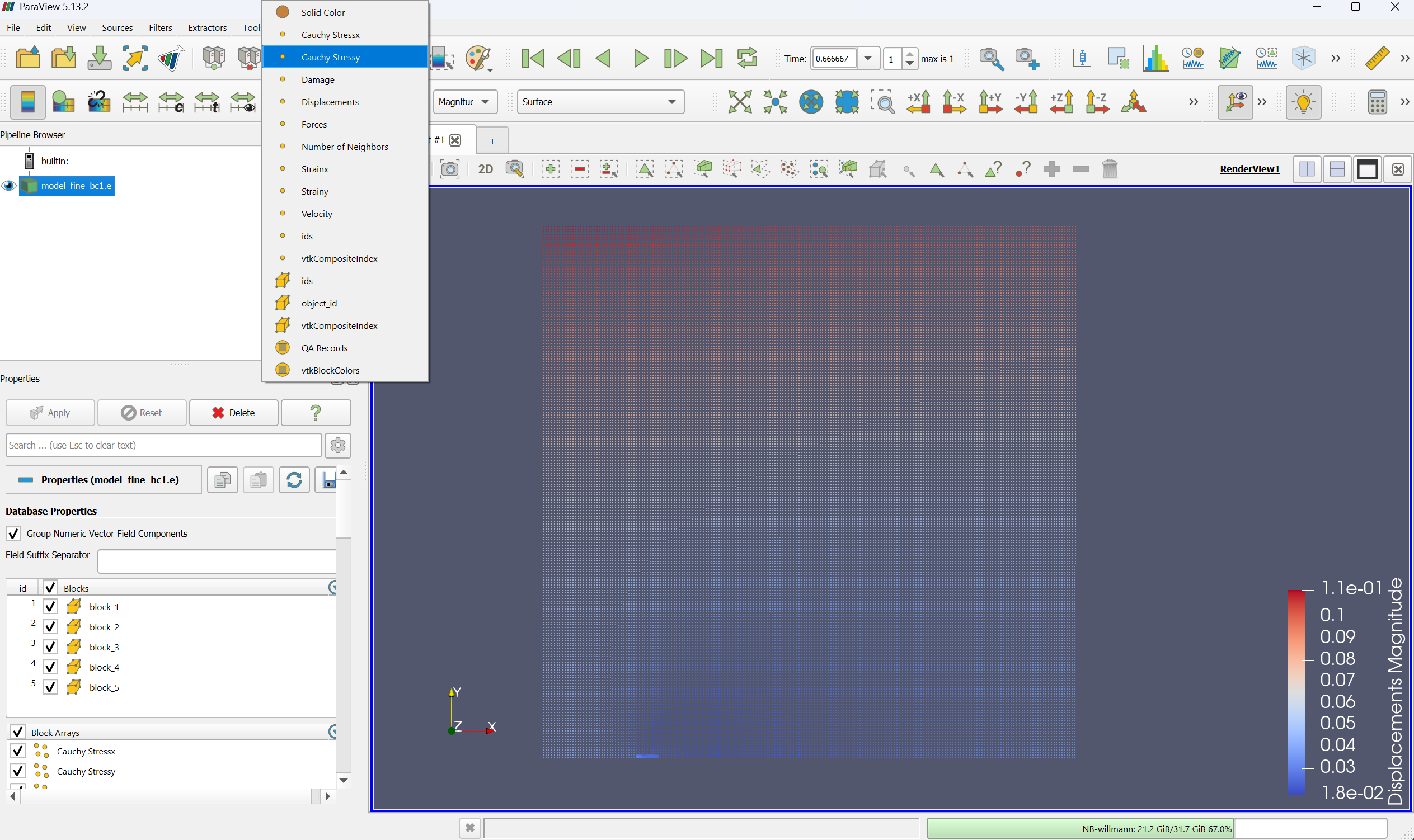
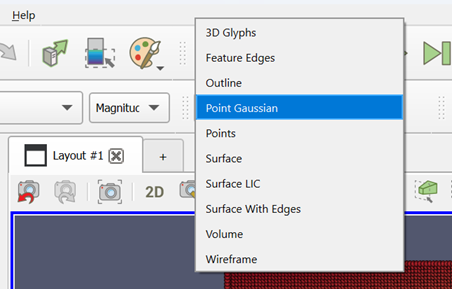
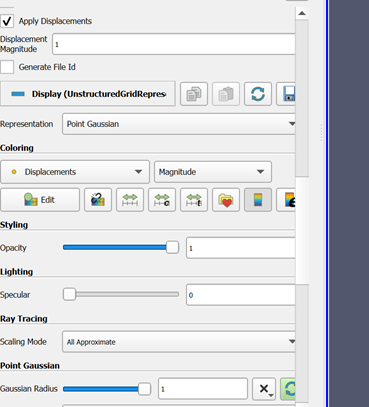
Because the points are very small, you have the option to use point gaussian as an option. The points get a volume. The standard is a sphere. The size can be scaled.
Training
The training input is given under the examples folder. The documentation and a video will follow.
Index
Functions
PeriLab.main — Function
main()Entry point for the PeriLab application.
This function serves as the entry point for the PeriLab application. It calls the core run function with the provided arguments.
PeriLab.get_examples — Function
get_examples()Copy the examples folder to the current directory.